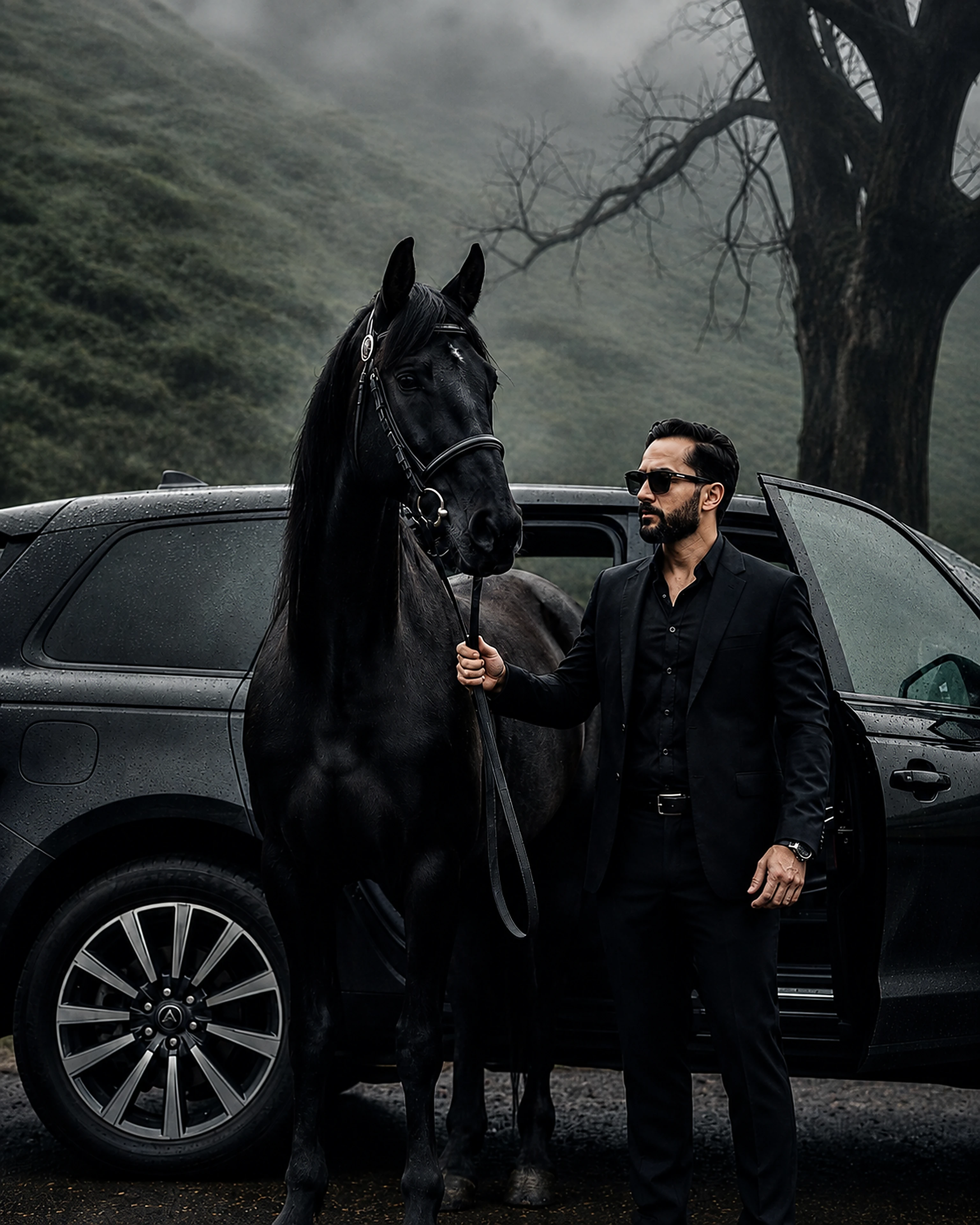
 Luxury cinematic
AI creative studio
Personal · Product · Brand
Turn an ordinary image into something unforgettable.
Create polished portraits, commercial product shots and campaign-ready brand visuals from one focused workspace. Upload one clear image, choose a look, and get a transformation that keeps the subject recognizable while upgrading the style.
3 prompt images / day
1 uploaded transformation / day
1st revision free
Luxury cinematic
Transformation preview


✦Image-first workflowUpload · Style · Transform
Your generation
Result workspace
Cloudflare FLUX · 0s
Direct server request · minimal thinking for lower latency.
Your generated image will appear here.
Live inspiration
See premium looks in motion.
A smooth scrolling gallery makes the examples feel more alive and closer to a premium studio showcase.
Luxury cinematic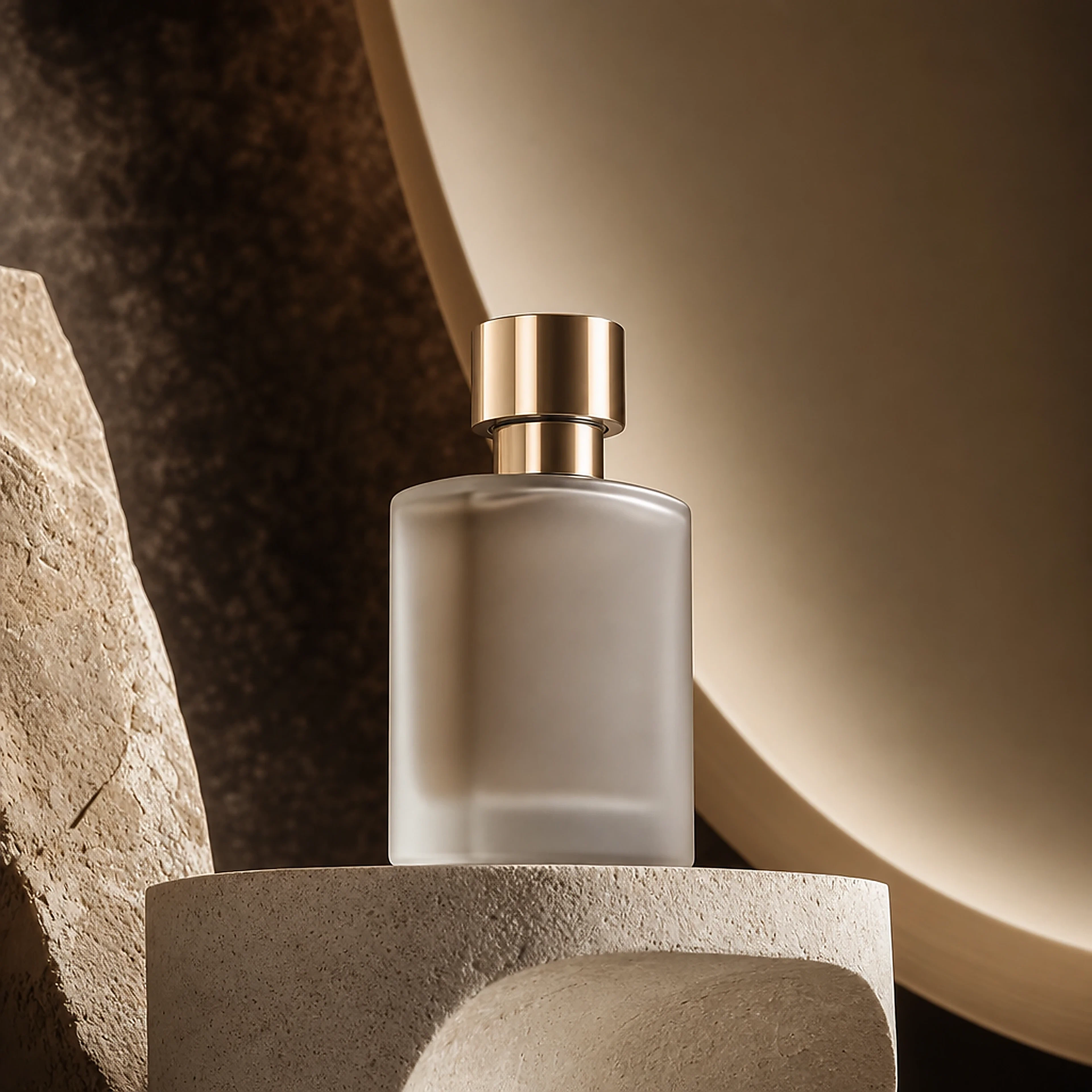 Product campaign
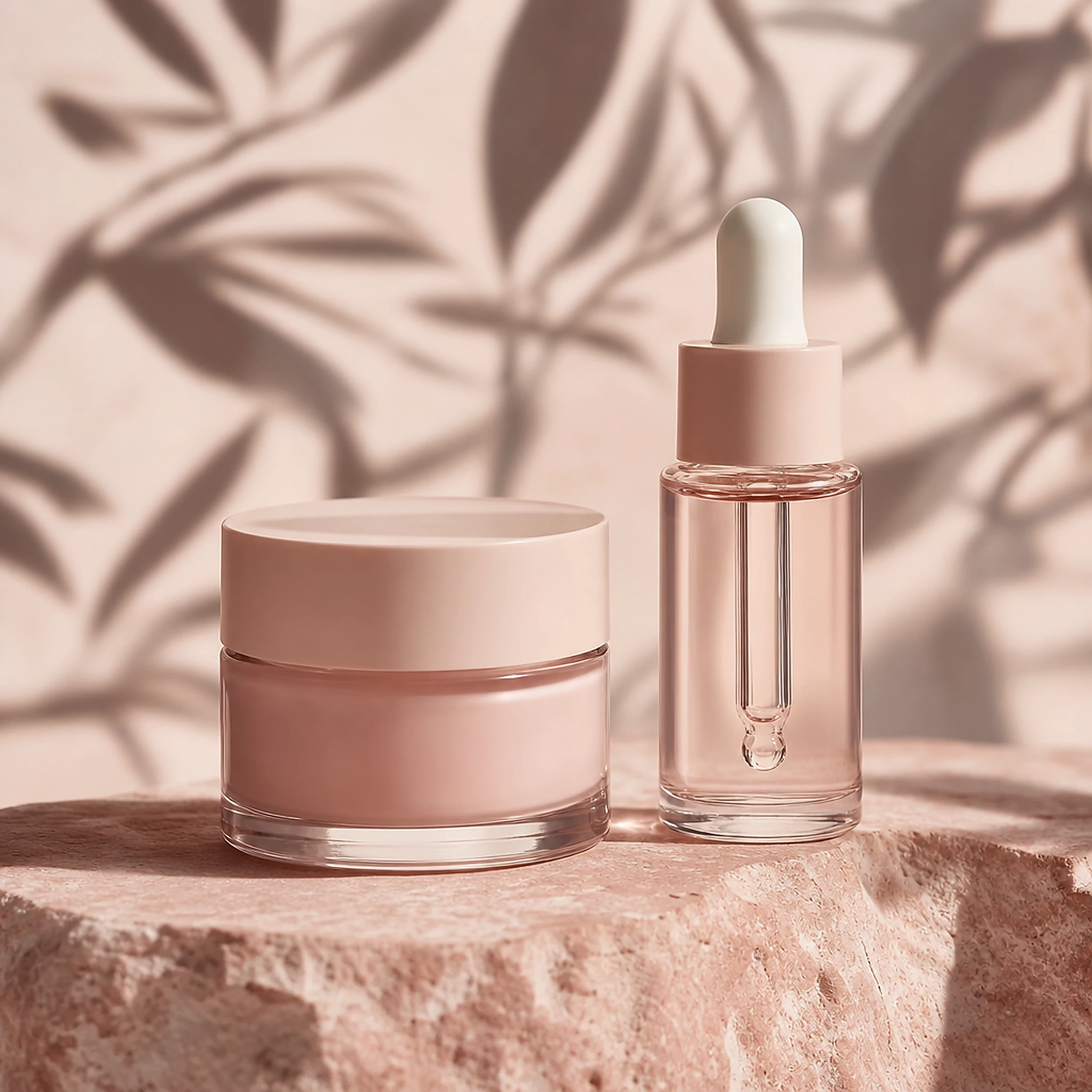 Beauty studio
 Brand campaign
 Hero portrait
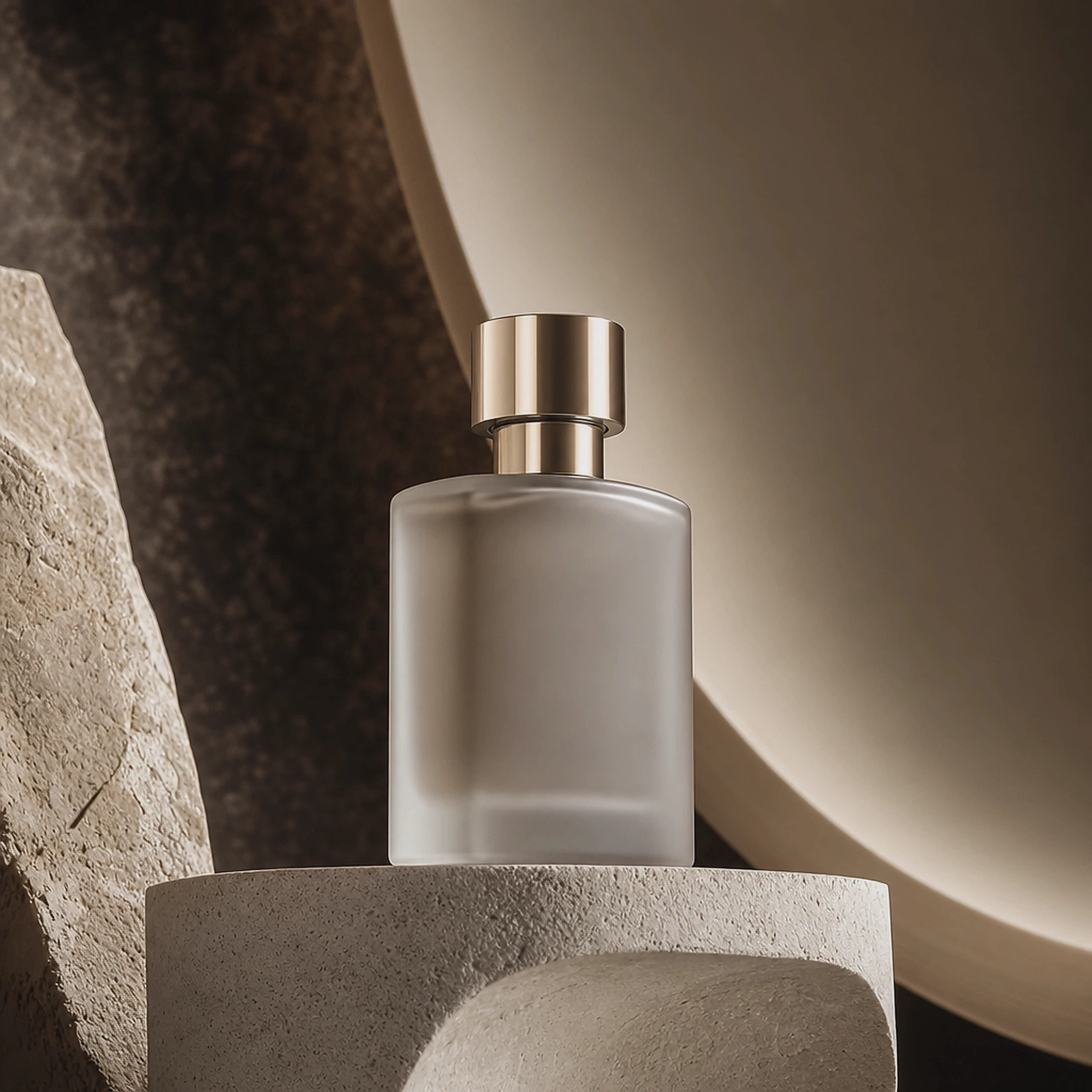
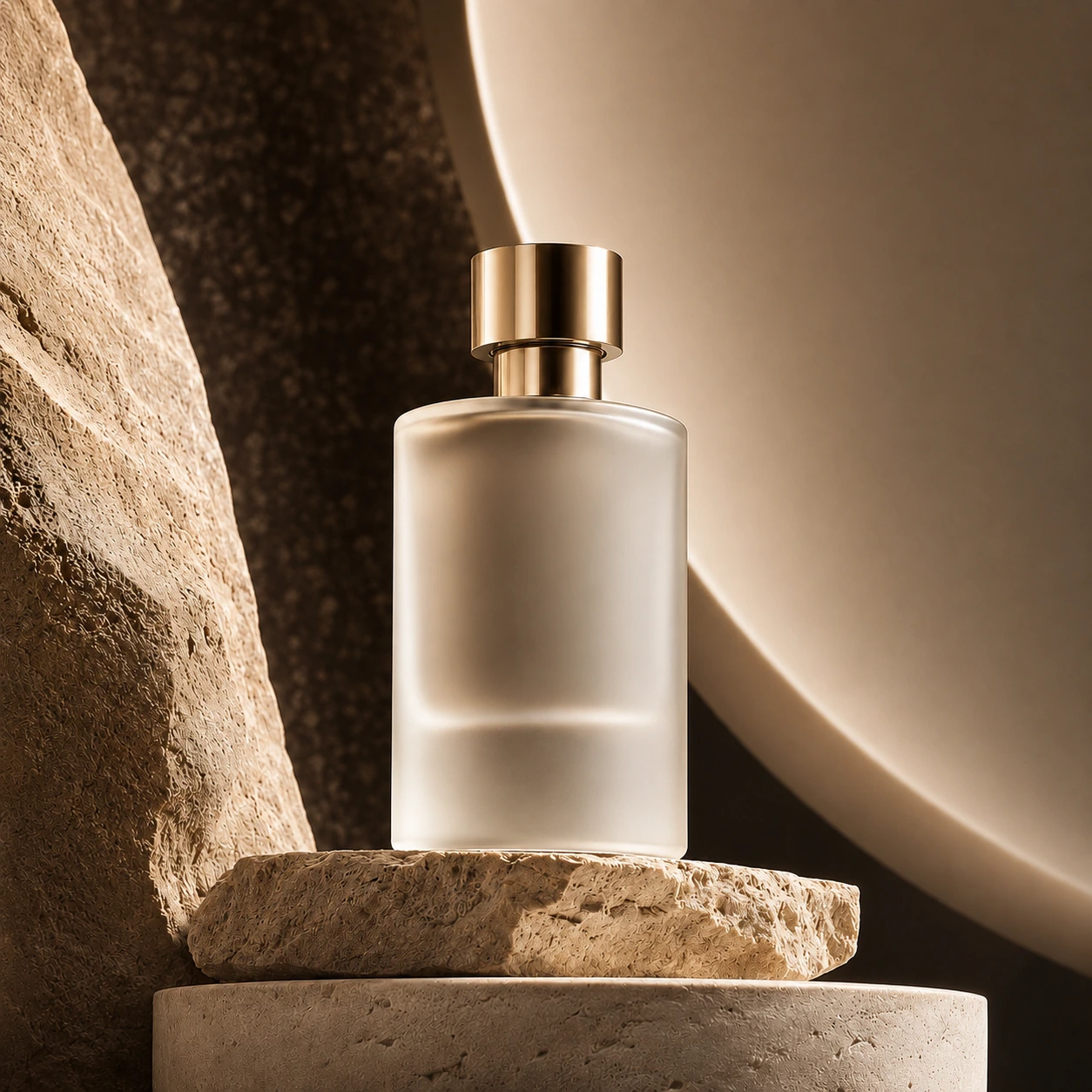 Luxury fragranceLuxury cinematicProduct campaignBeauty studioBrand campaignHero portraitLuxury fragrance
Trending transformations
Explore looks that already feel art-directed.
Product Studio
Create a product image
Separate product categories. Different visual worlds.
Choose the category that fits your product, then use a relevant commercial look as a starting point.
How it works
From idea to image in three steps.
Upload
Start from a portrait, product photo, brand asset or a text-only idea.
Choose a look
Pick an art direction, aspect ratio and output quality that suits the use case.
Transform
The request stays on the Cloudflare backend, where Workers AI runs FLUX to create the finished image.
Revision showcase
One free revision. Make it yours.
Use a simple instruction to refine mood, lighting, background or product presentation without rebuilding the whole direction.
- Warmer or cooler light
- Cleaner composition
- More product detail
↔
BeforeAfter
Creations
Your recent work stays close.
Generated images are kept locally in this browser for quick access.
No generations yet. Create your first image above.
Simple pricing
Understand your creative capacity.
Start with daily credits, then add more room through secure Stripe Checkout.
Free
For trying ideas
$0/month
- 3 prompt images every day
- 1 uploaded photo/product transformation daily
- First revision on each result is free
Popular
Creator
For regular creation
$12/month
- 500 subscription credits
- High-resolution output
- All studio categories
Pro
For heavier creative work
$29/month
- 2,000 subscription credits
- Ultra high-resolution option
- Priority creative capacity
Secure payment
Stripe handles the checkout page.
Card details are entered on Stripe's hosted checkout, not inside this frontend. Apple Pay or Google Pay may appear when supported by your Stripe account and the customer's device.
Checking payment backend…Stripe secret stays server-side in Cloudflare. If this status is red, the Cloudflare Worker is not being reached.
FAQ
Clear answers before you create.
How is the AI backend connected?
Image generation uses a Cloudflare Workers AI binding named AI. No Gemini API key is required for the FLUX generation flow.
Can I use my own product photo?
Yes. Upload a PNG, JPEG or WebP reference and choose a product style or category before generating.
Can I write prompts in Roman Urdu, Urdu or Hindi?
Yes. Prompt language can stay on Auto or be selected manually. The backend preserves your intended meaning, and if you request visible words inside an image it is instructed to keep the exact wording and language.
Why would the API status say AI binding needed?
Add a Workers AI binding named AI to the Cloudflare Pages project and redeploy. The frontend will then detect Workers AI automatically.
How does payment work?
The Cloudflare backend creates a Stripe Checkout Session. After Stripe redirects back, the backend verifies the session before browser credits are added. Payment, billing and refund expectations are also linked in the footer for a more company-standard legal flow.
Ready to create?
Open the generator →